Search for answers or browse our knowledge base.
Revoke Nomination
Overview
You can Nominate a user to become a part of the course you want. If a user declines the nomination, then the user cannot access that course. In case the user wants to take that course after declining, they will have to wait until they are Nominated again.
How to Revoke a Nomination?
If the user has been Nominated, they will receive a notification.
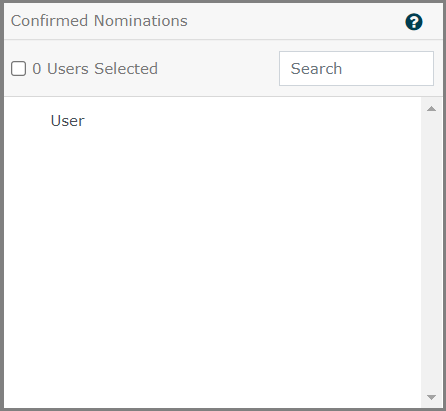
If the User Accepts the Nomination Request they will be placed under Confirmed Nominations.
If the User Declines the Nomination Request, they will remain under Pending Nominations with their name highlighted in red. If the user does not accept the nomination within a given deadline, they will remain under Pending Nominations.
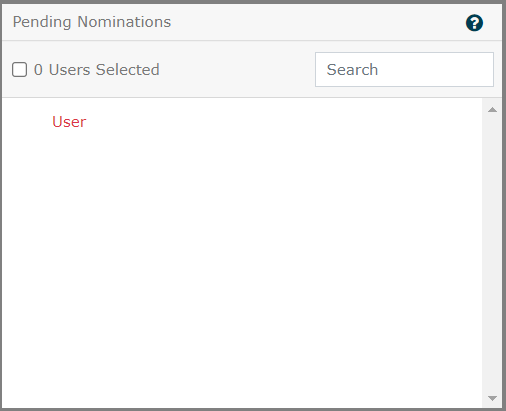
To Nominate a user who has declined the request, you will have to select that user under Pending Nominations and move the user to Available Users using the left arrow button. Follow How to Nominate a User ? from here to Nominate a user again successfully.