Search for answers or browse our knowledge base.
Email Templates
Overview
The “Email Template” allows you to create the content of the mail that is sent to the target users. You can create your own customized email template from scratch or edit an existing email template.
Email Templates
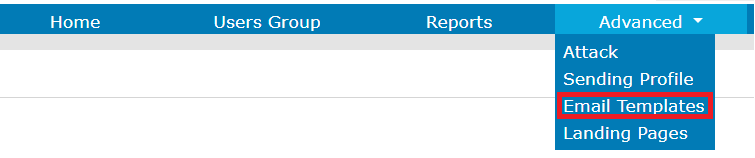
You can access the Email Templates by clicking the Advanced option.
You will see a list of existing Email Templates.
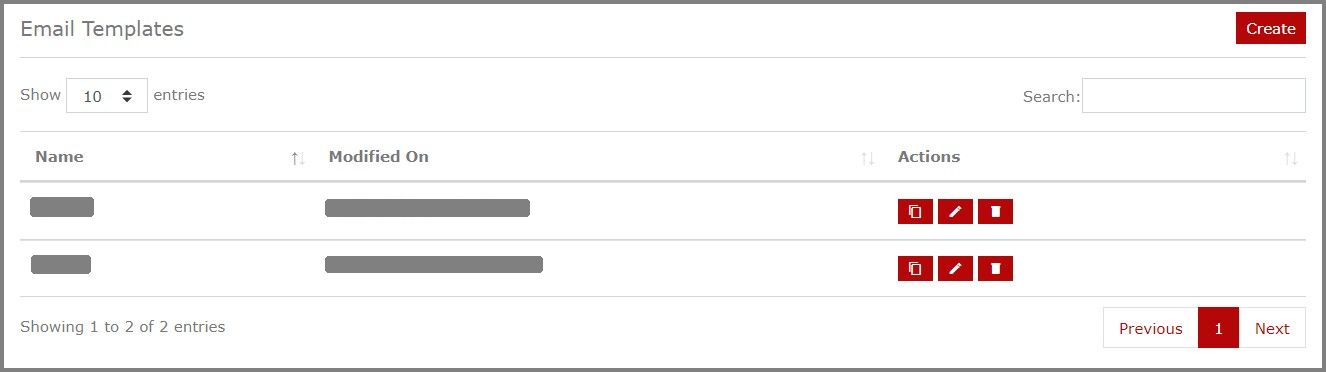
You can use the Copy icon when you want to create a new email template by editing an existing one. You can edit all the fields like the Name, Description, Subject and the Body of the mail to create a new email template.
You can use the Edit icon when you want to update an existing email template with new changes.
You can use the Delete icon when you want to delete an email template.
New Email Template
You can also create a new email template from scratch by clicking the Create option.
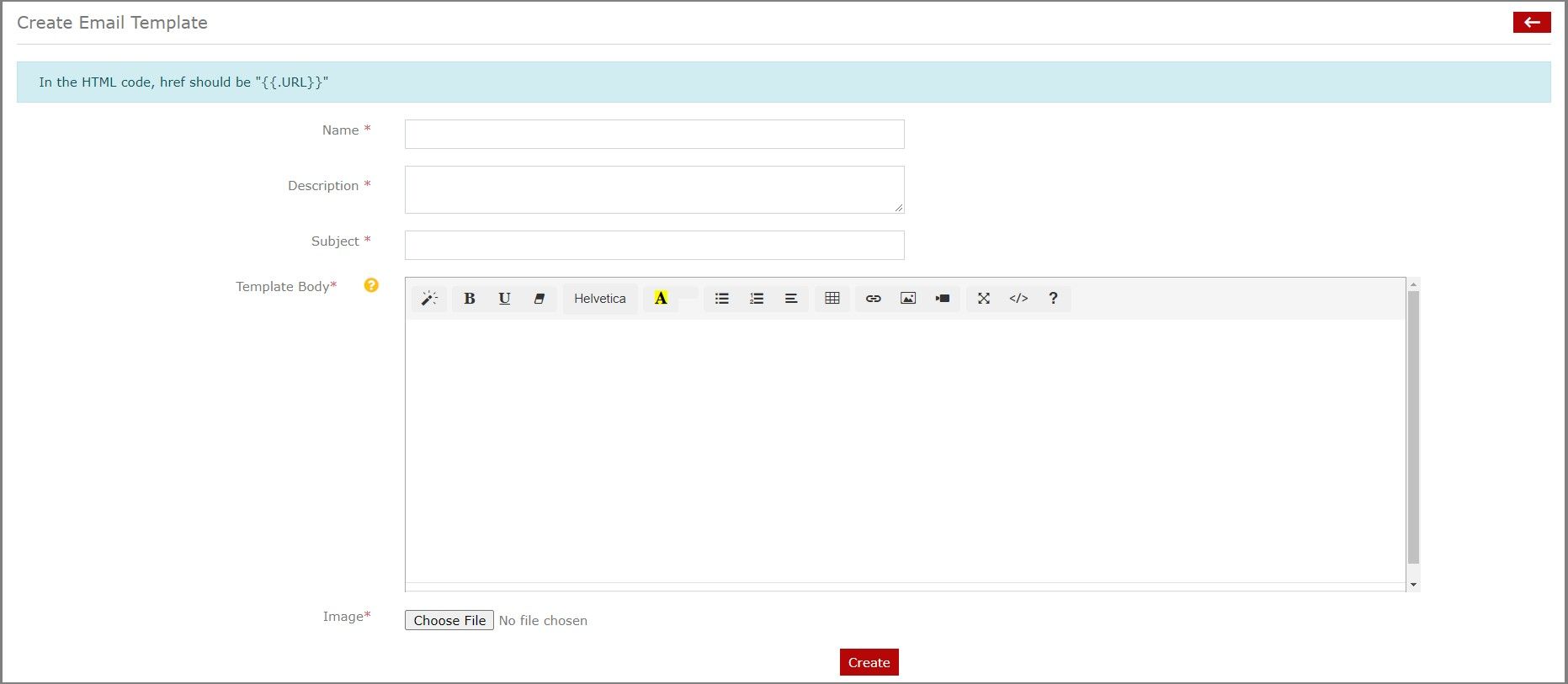
You can enter the Name, Description and Subject of the Email Template.
You can use the editor to create the Body of the email template. The text editor also allows you to use HTML code.
NOTE: In the HTML code, href should be “{{.URL}}”
Upload the thumbnail image of the template and click Create. That’s it. Your new email template is ready to be used in phishing campaigns.