How Can We Help?
Tech tutorials, Reviews, How To's
Compact Layout
Compact Layout
After the Metadata types are mapped from the Home screen, search for Contacts in the App launcher and select it.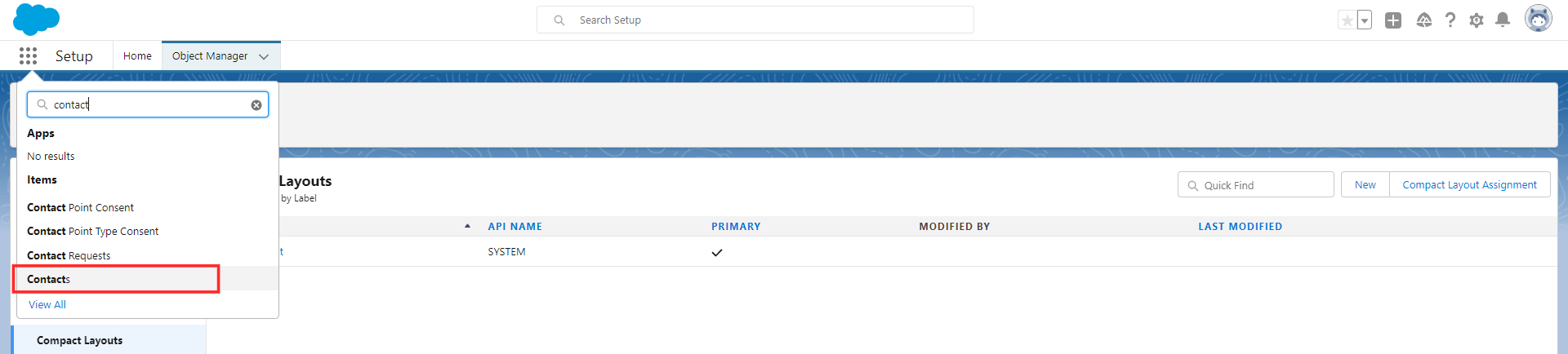 On the Contacts screen, click the Settings option and then Edit Object.
 On the Edit Object screen, click the Page Layouts option and select the Contact Layout.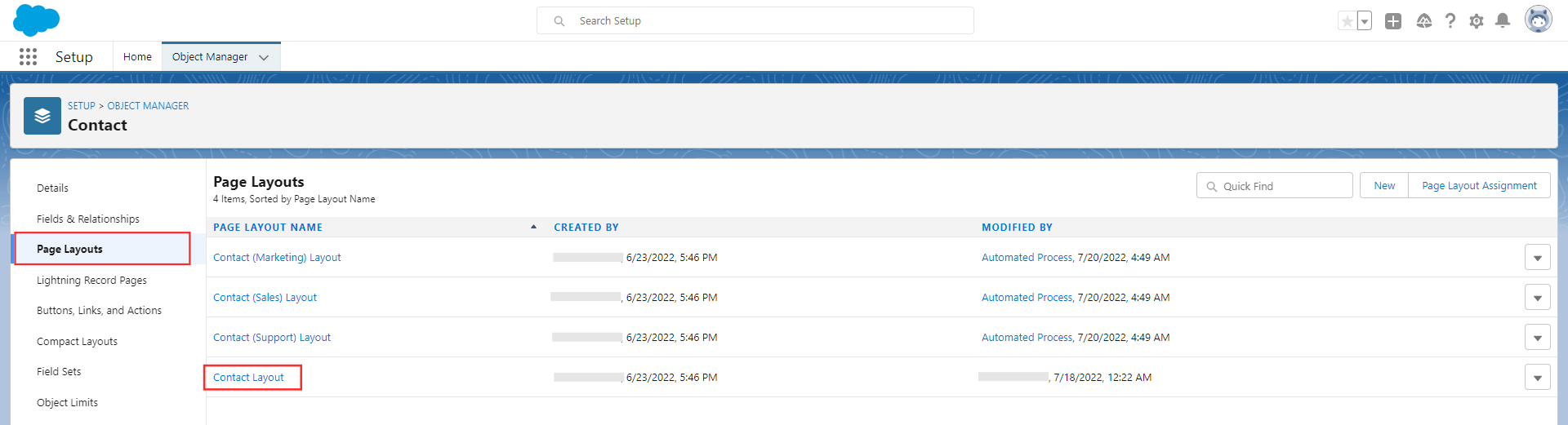
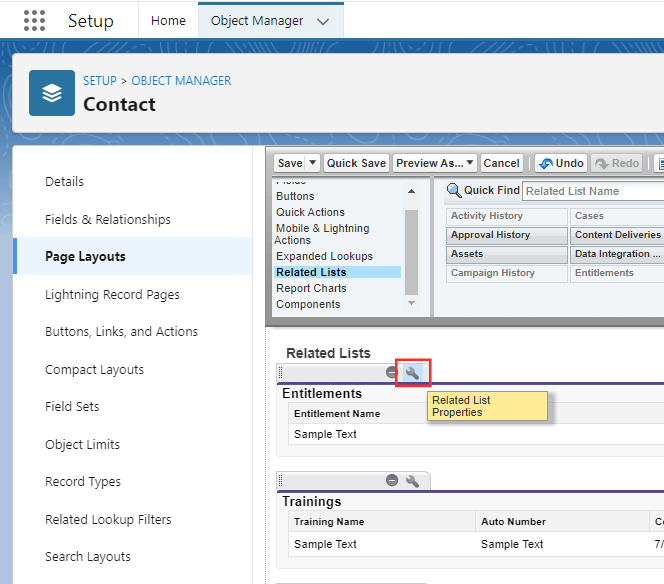
In the Contact Layout, select the Related Lists. Drag any of the Feild and drop it on the Related List.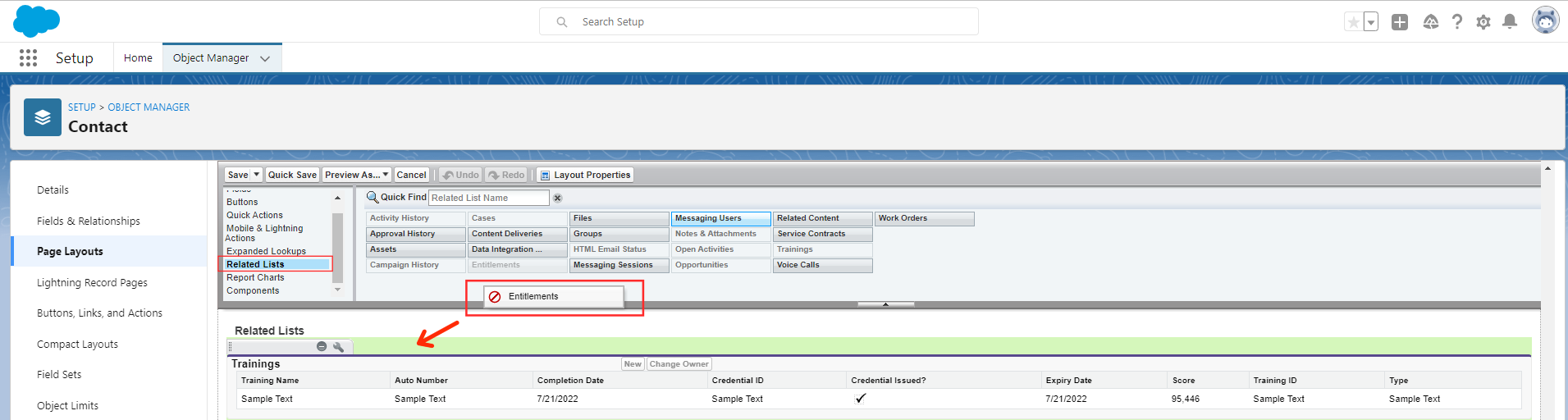
Click the Settings of that particular field.
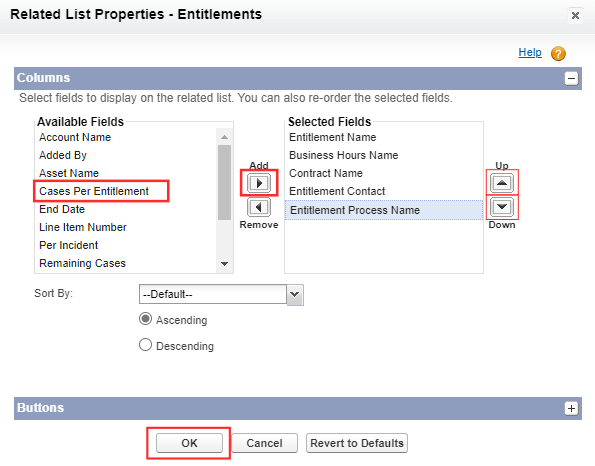
Add the required fields. For instance: Completion date, Credential ID, Credential issued?, Expiry date, Score, Training ID, Training name, and Training type. You can also align the order of the fields. Click OK
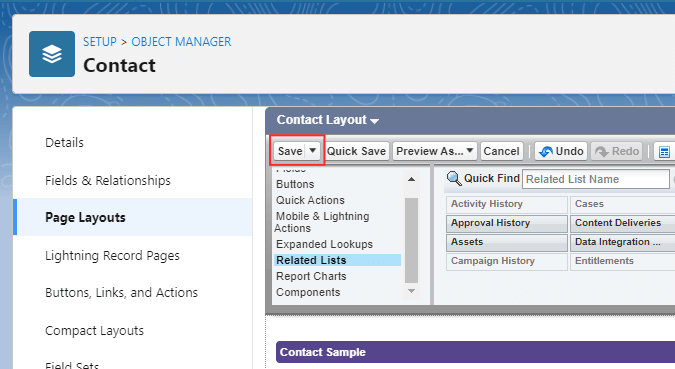
Save it.