Search for answers or browse our knowledge base.
To document an Interview/Event conducted with Allegation.
This document provides the steps to document a scheduled event with an Allegation.
The inclusion of the “Conduct (with allegation)” option serves a specific purpose. This option is utilized when the IC needs to directly discuss and investigate a specific allegation made by the complainant, providing a focused and targeted approach to resolving the issue. On the other hand, the choice to conduct a generic interview can be employed by the IC when they wish to have a broader discussion or address general aspects related to the complaint, without focusing on specific allegations.
Login to the Complaint Management System and view a complaint.
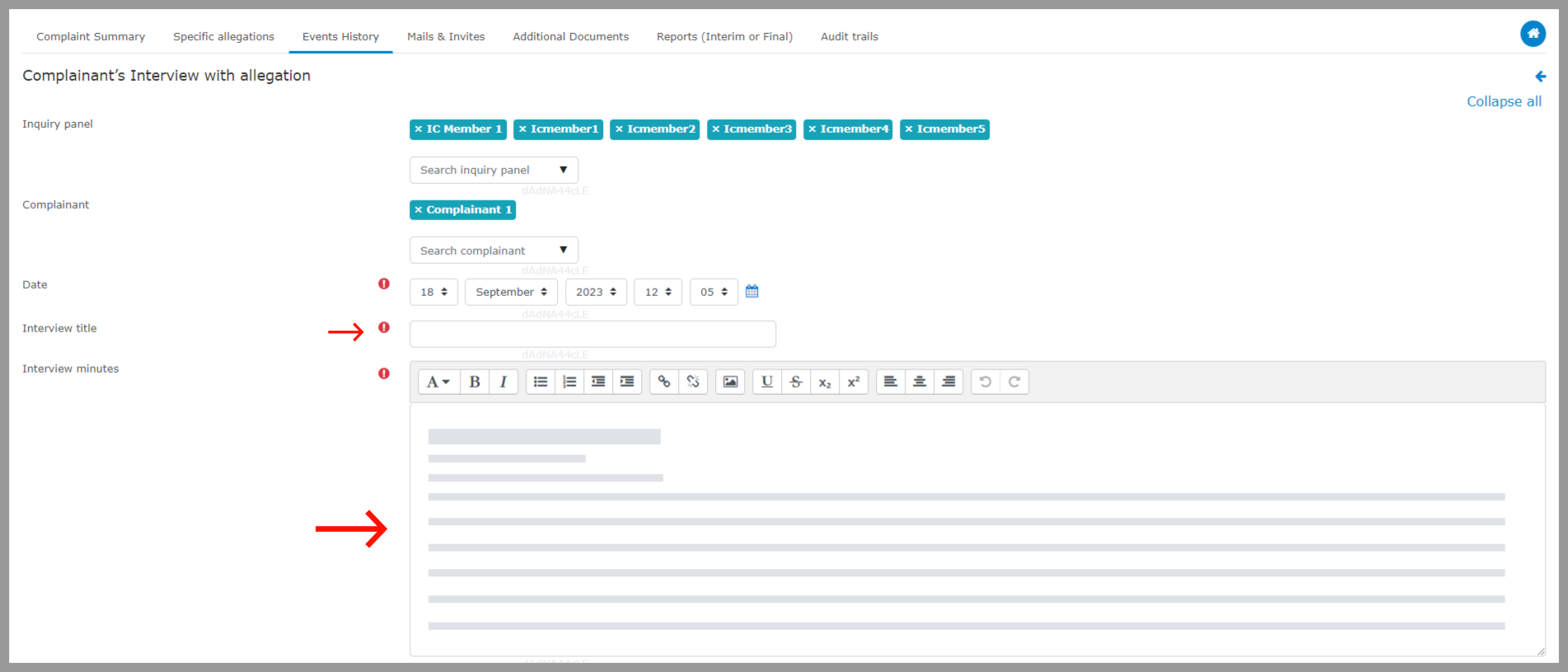
Step 1: Go to “Events History” and choose “Conduct (With Allegation)” for the previously scheduled event.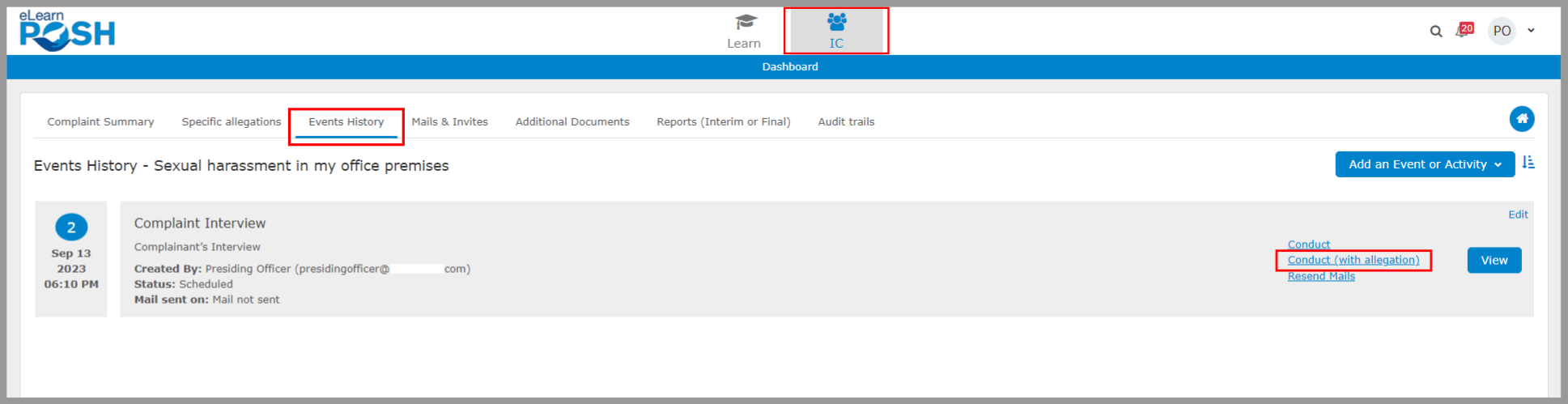 Step 2: Provide the meeting details, including the panel member who attended the event, the date, title, event interview notes, and any comments if applicable.
 Step 3: Provide a response to the previously raised allegation and include any evidence if available.
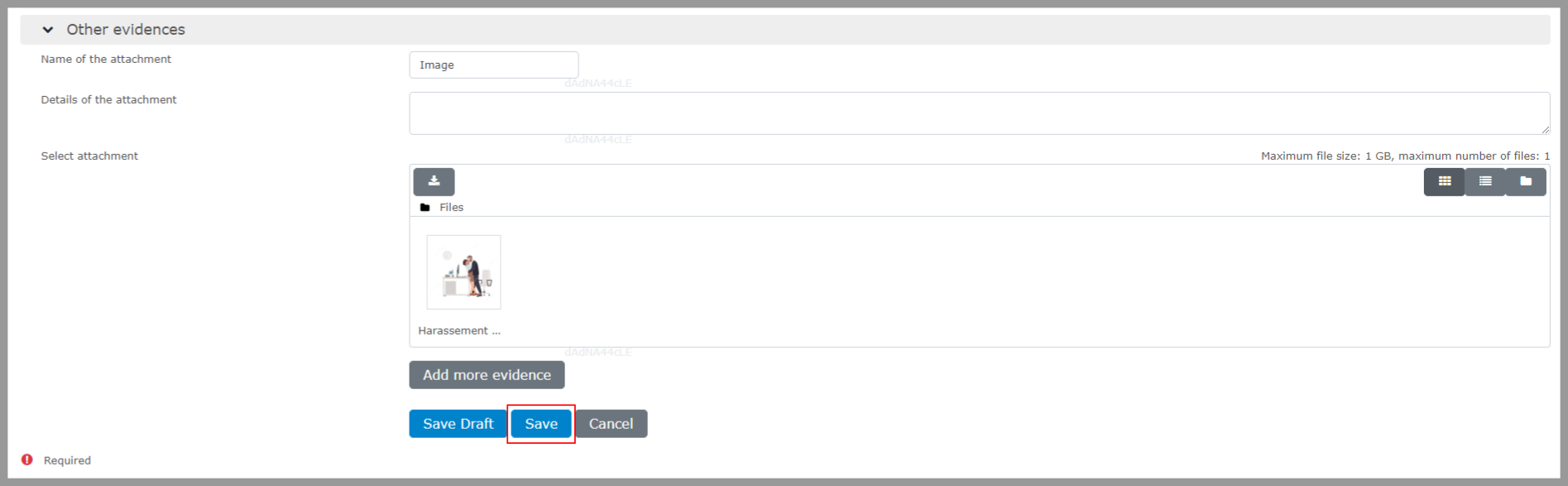
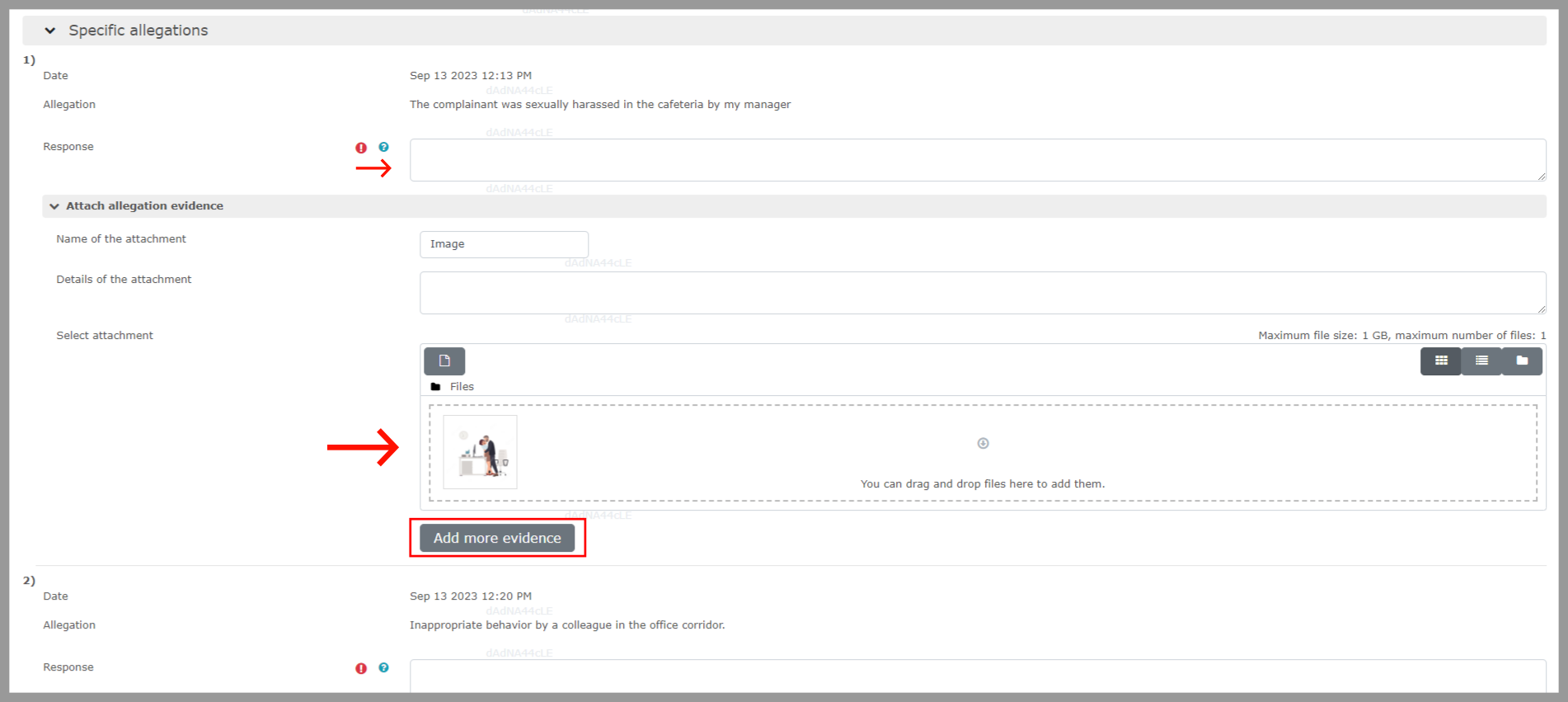 Step 4: Enter the details of the evidence and then click on “Save.”
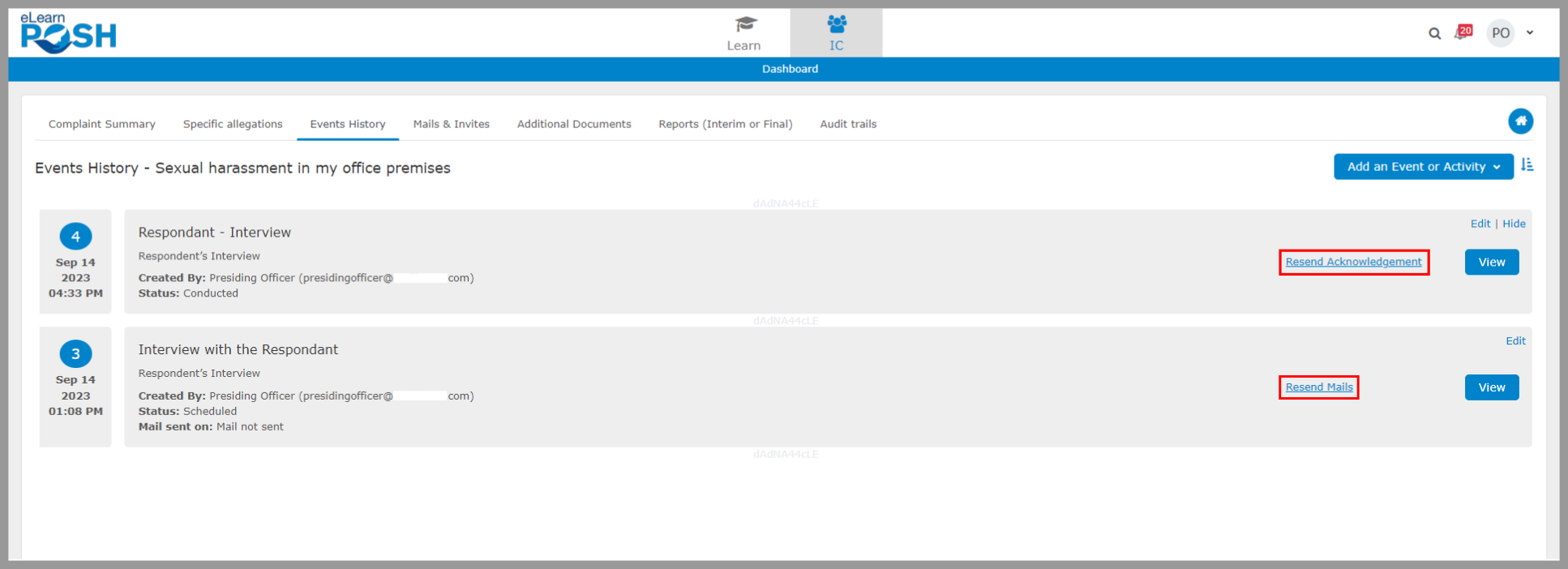
 Click on “Resend Acknowledgement” to send the minutes of the meeting to the attendees, or select “Resend Mails” to resend the email related to the same event.
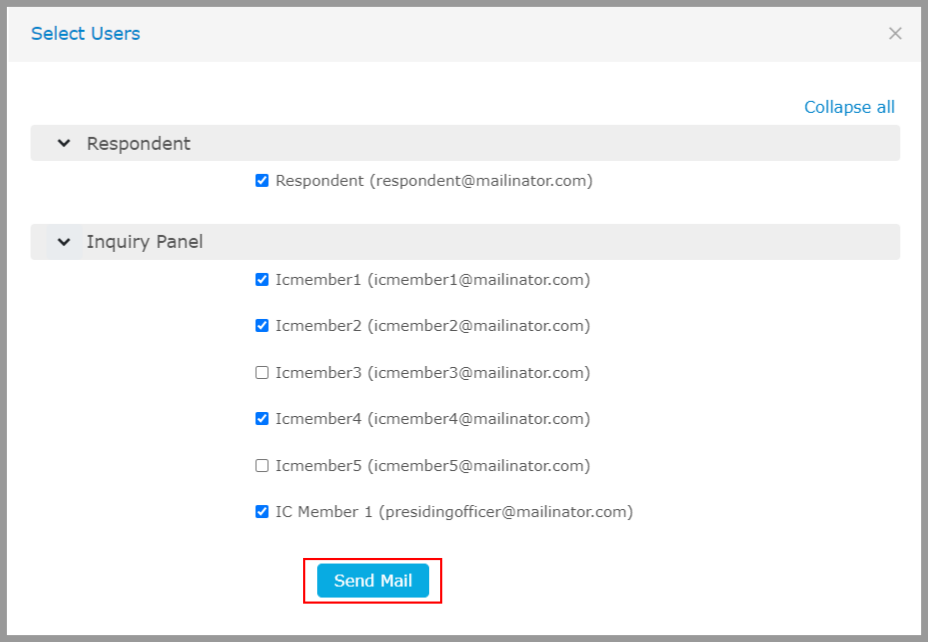
  Choose the users to whom the email should be sent.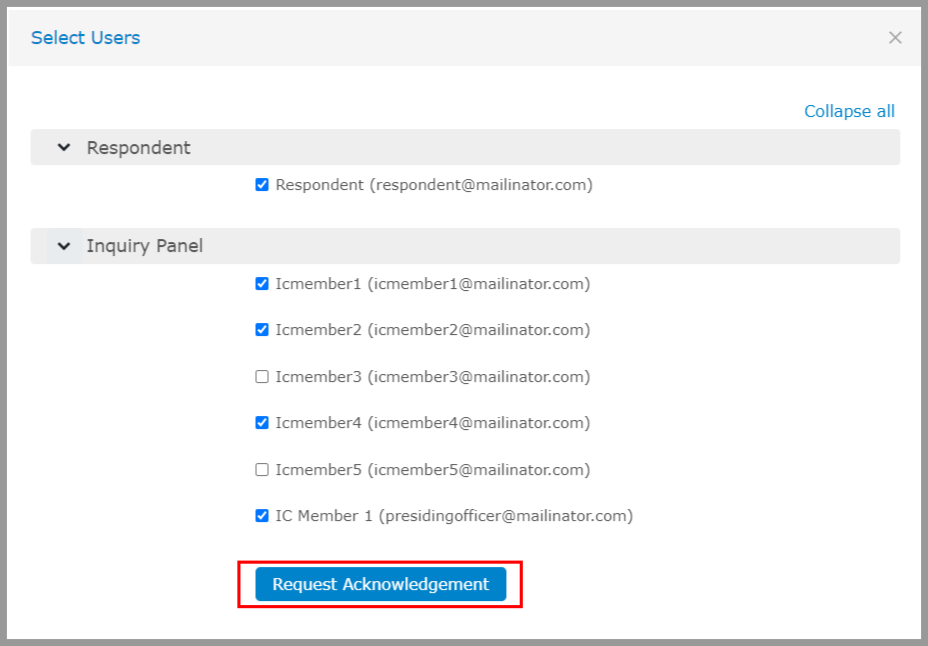
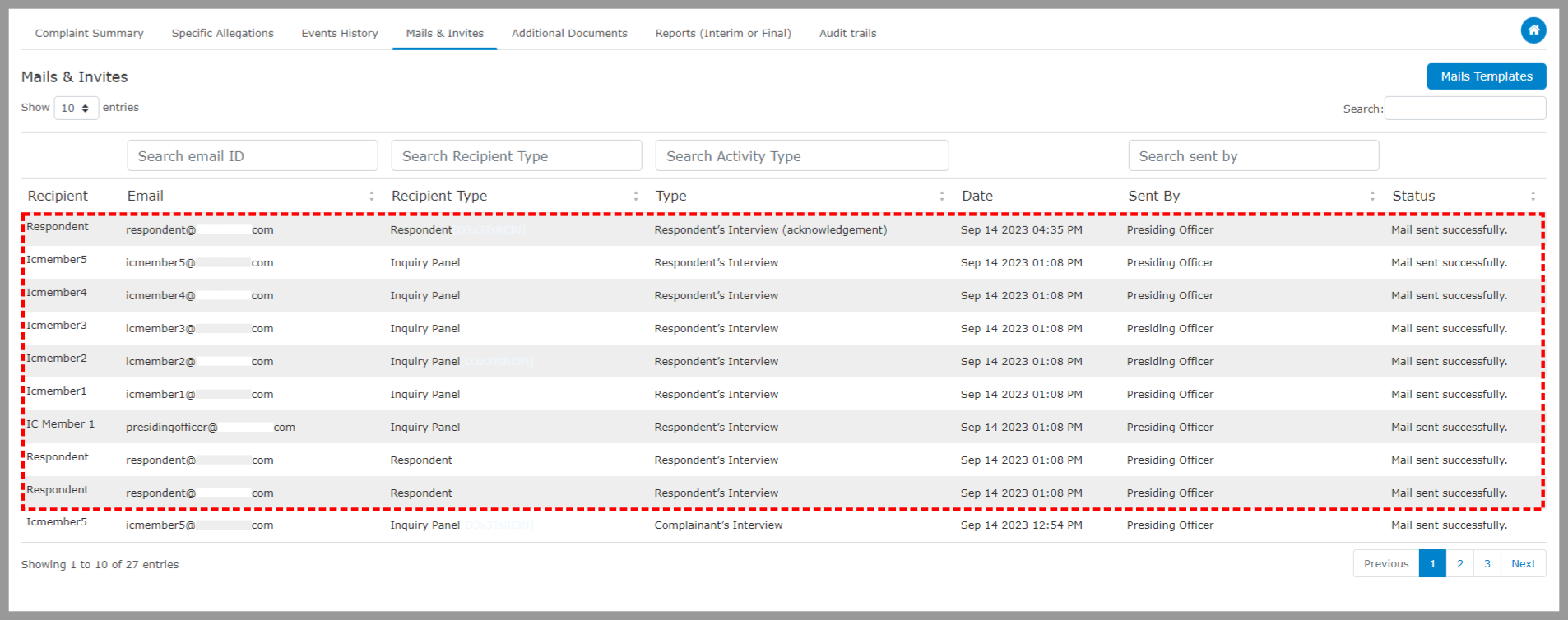
 All the emails sent while handling a complaint will be listed and tracked under “Mails & Invites.”
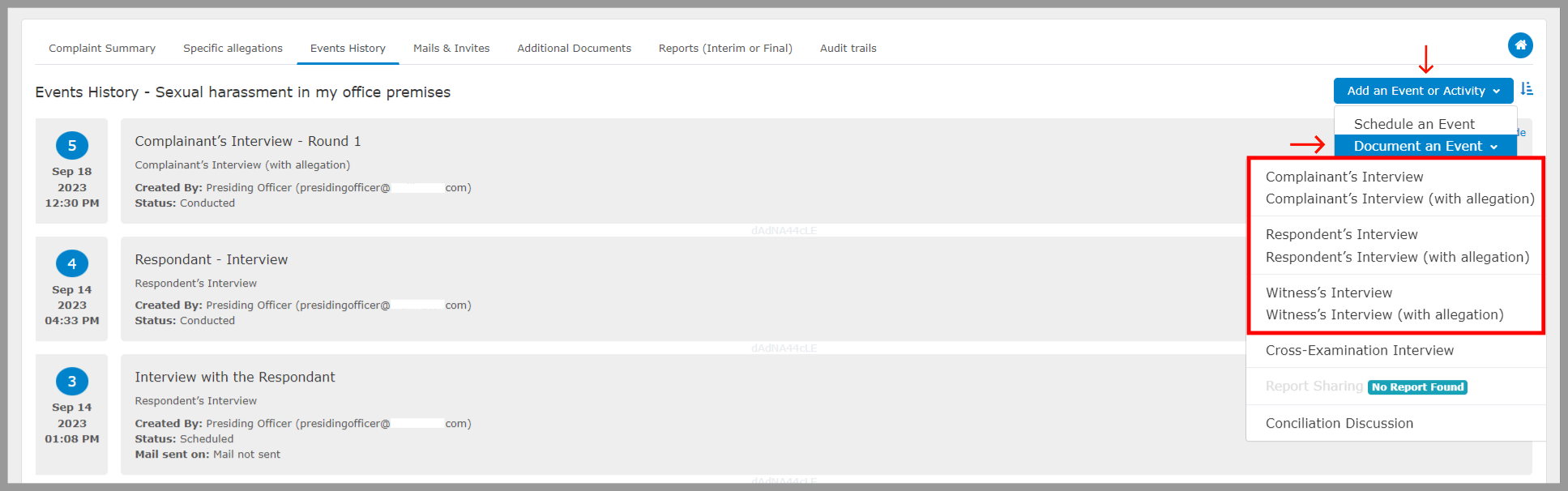
 You can also record an event or interview involving the Complaint, Respondent, and Witness under the “Document an Event” section.