Search for answers or browse our knowledge base.
To document a Cross – Examination Discussion
This document provides the steps to document a Cross-examination discussion.
Cross-examination is a legal process where one party questions the opposite party and the witness from the opposing side to challenge their credibility, clarify their testimony, and contain additional information in a legal proceeding. According to Section 11 of the POSH Act, 2013, both parties must have a chance to speak and receive the findings to respond to them before the Committee. Let us now understand how you can document a cross-examination discussion.
Login to the Complaint Management System and view a complaint.
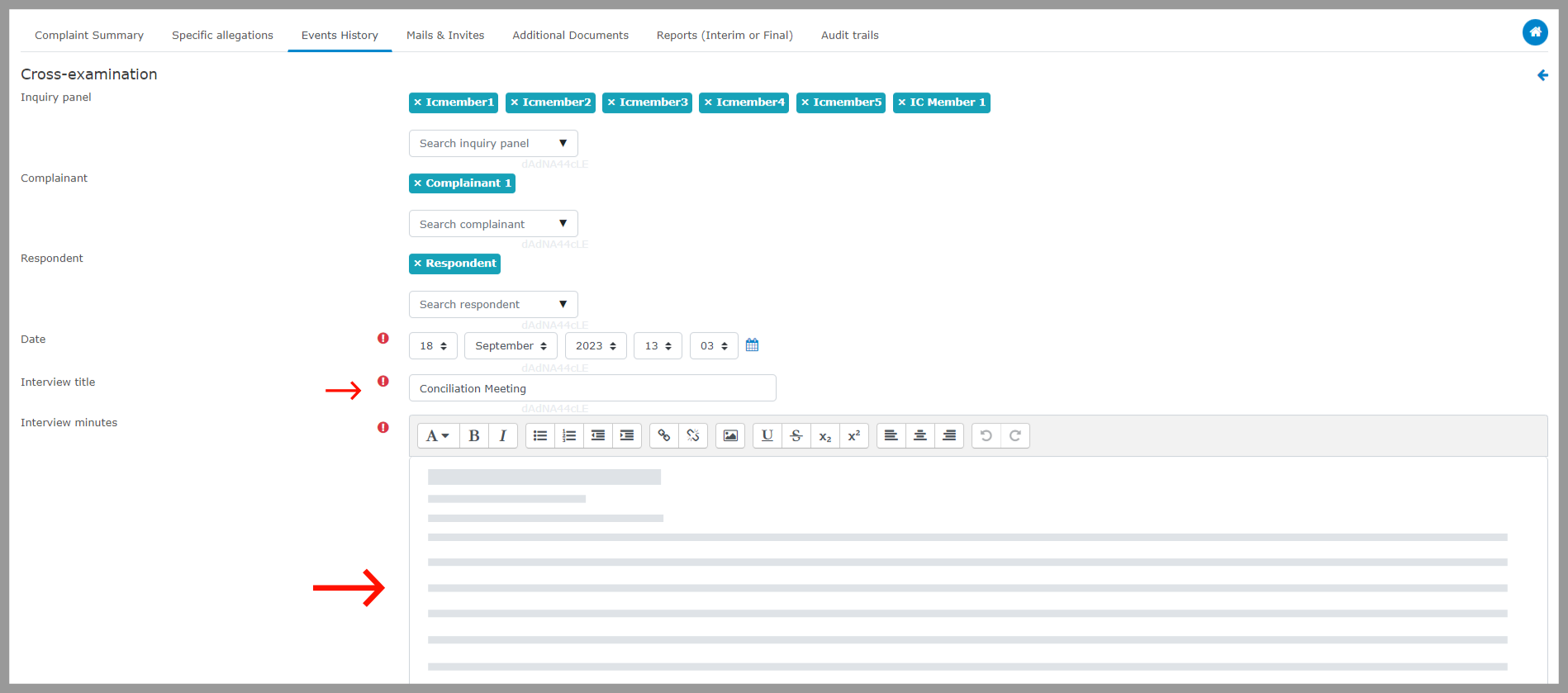
Step 1: Choose “Events History”, select “Document an Event” under “Add an Event or Activity” and then select “Cross–Examination Interview”.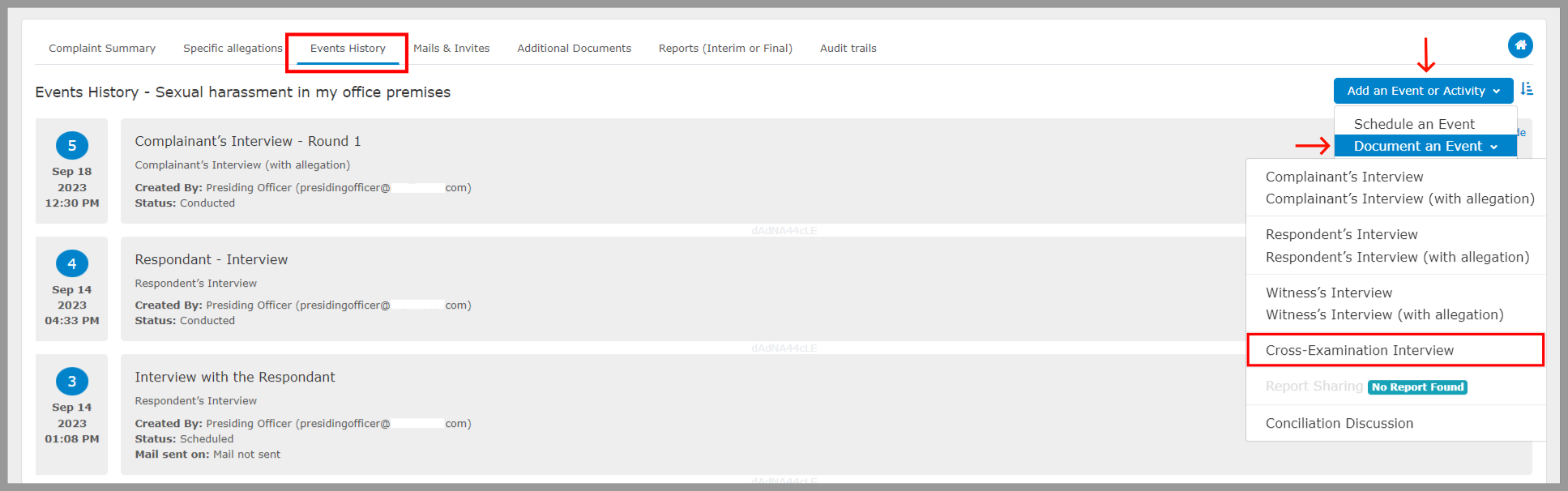 Step 2: Fill in the details of the meeting, including the panel member who attended the event, date, conciliation title, and interview minutes.
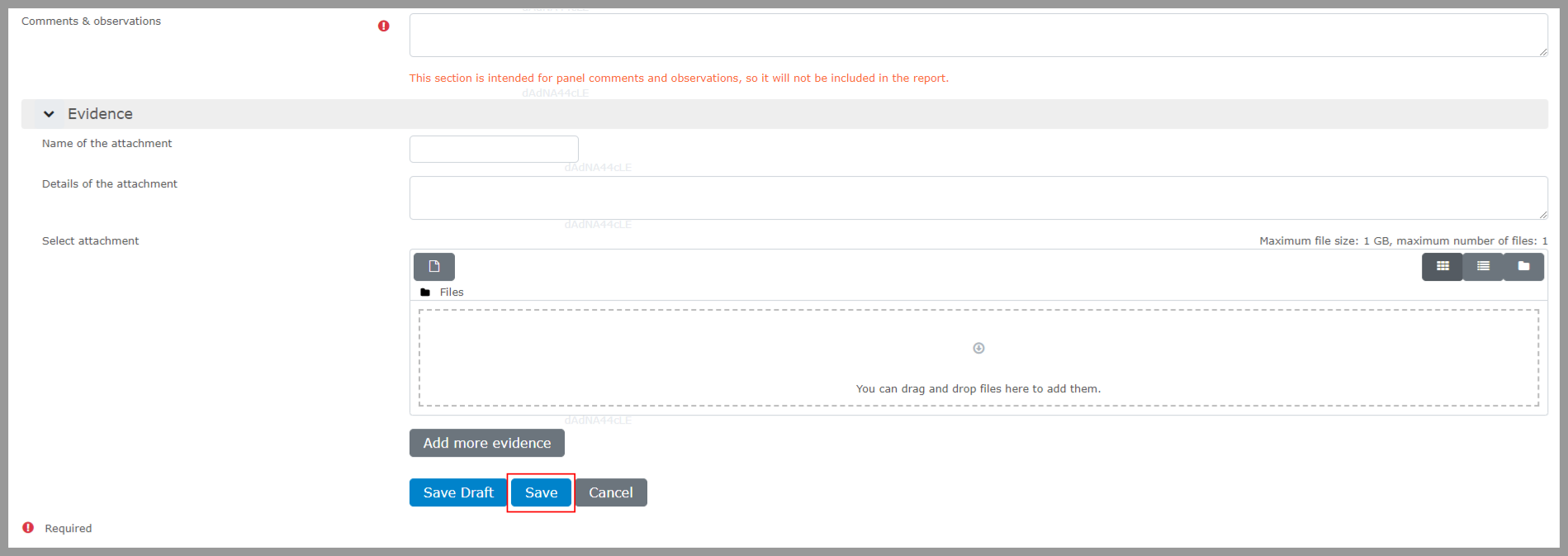
  Step 3: Include any evidence if available, and then select “Save.”