How Can We Help?
Search for answers or browse our knowledge base.
Audit Trails
Step 1: From the dashboard page, click on the ‘IC Tab’ and select ‘Audit Trails’ option.
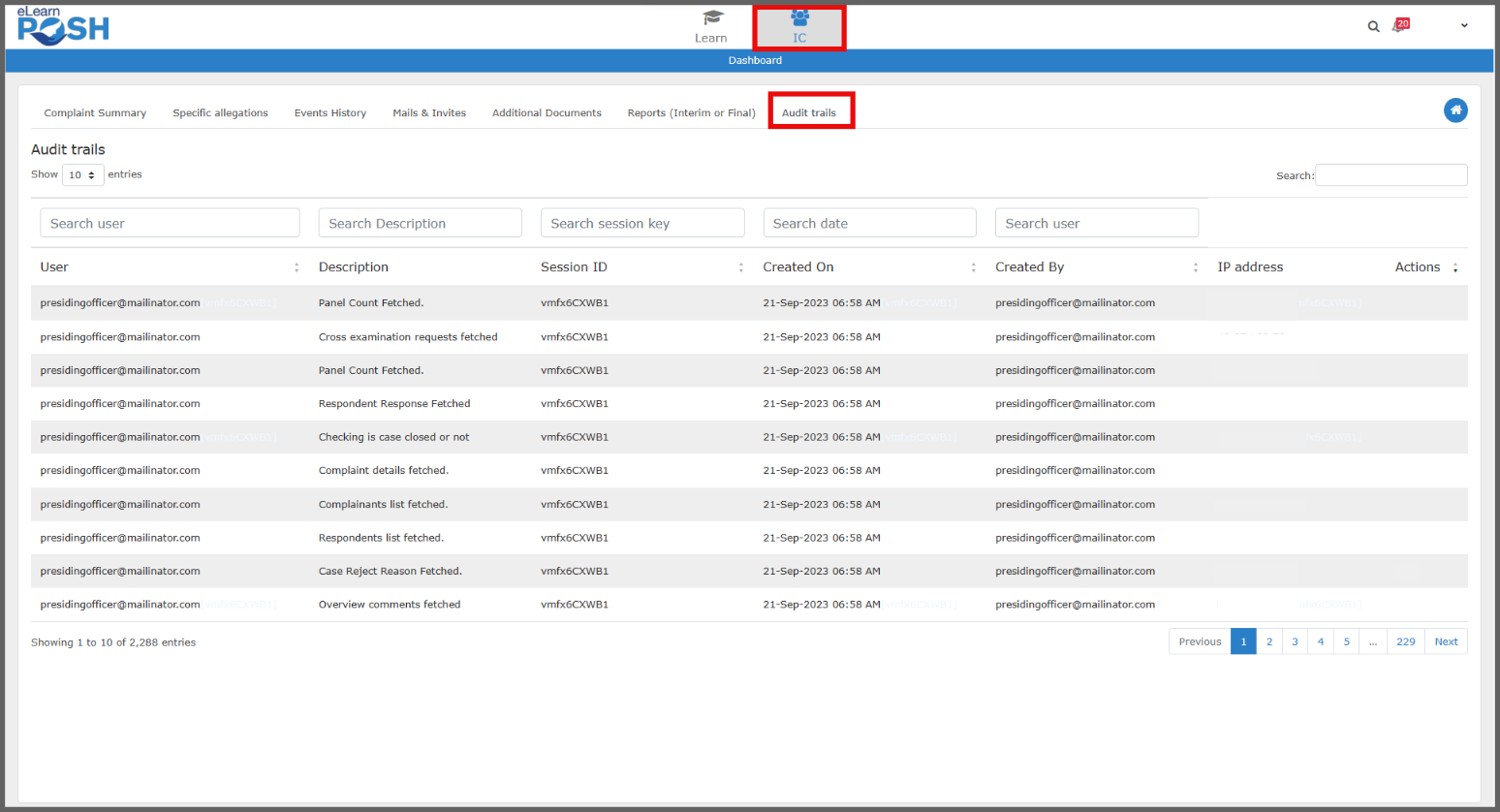
Step 2: Here you will find all the entries that took place during the inquiry process along with the user details and unique session id to keep a track of who had access to the case and its details.